

The draw. Two questions, one choice, and the prep clock starts. Most of what happens next was settled before you walked in: what's in your file, and how many speeches you've already built and given under that same pressure.
Extemp Assistant is a tool to aid extemporaneous speakers competing in NCFCA: the file, the questions, and the practice.
The file, kept current
Articles from about 75 sources are filed through the day - more than 85,000 so far this season - each one tagged by topic, with its citation ready for your notecard. Download it once, and it adds the newest articles whenever you open the app with internet. Search works with the Wi-Fi off, and one switch, tournament mode, shows only the file.
The draw doesn't care when you last updated your file. This one catches up on its own every time you open it with internet.
A new set of practice questions every week
The practice stays home. A new set of practice questions arrives every week, written in the league's format and reviewed by a real person before you can draw them. There's always a question you haven't seen, on news you've been reading.
Practice rounds you can hear back
You've probably given a speech to your bedroom wall. The wall doesn't tell you the thesis drifted in your second point, or how many times you said "um." You can't fix a filler you never heard.
A practice round in Extemp Assistant runs like the real thing, and then it talks back:
- Draw two questions and pick one, for a preliminary round or an elimination round.
- Prep in the same file you'll take to tournaments, with a notecard beside it. The question's key terms are already searched, and a citation or a highlighted sentence goes onto the notecard in one click.
- Give the speech and record it, right in the browser.
- Your recording is transcribed and scored on the official rubric of NCFCA or Stoa, depending on which league you compete in.
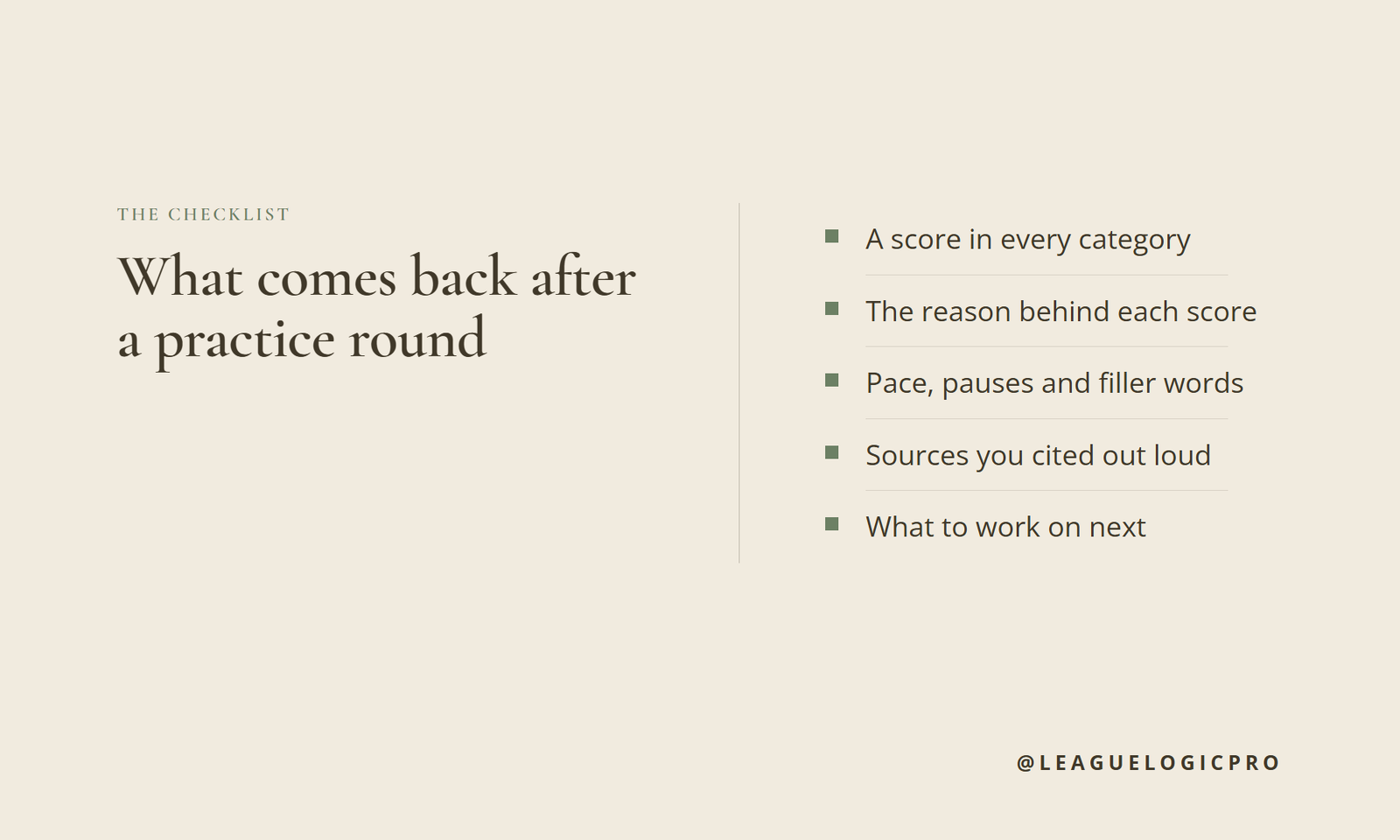
Here's what comes back. A score from 1 to 5 in every category on NCFCA's Extemporaneous ballot, with the reasoning behind each one. Your pace in words per minute, your filler words, your long pauses, and how many sources you cited out loud. Then two short lists: what went well, and what to work on next. Physical delivery is the one category you score yourself, since a recording can't see you.
Questions about that speech go to the coach. Ask why Impact came in low, how to tighten a thesis that wandered, or what to drill before the next round. The coach has the transcript and the scores in front of it.
Every round lands in your history with its scores, a chart of how they move over time, and a replay of the speech, so you can hear the difference between your first round and your tenth. Drawing questions, prepping, giving the speech and scoring it yourself never use a round. Only a speech you send to be scored counts toward the season's 100.
A rhythm to try: one scored round early in the week. Read the ballot, pick the one thing under "work on next," and ask the coach how to fix it. Then run a second round on a new question at the end of the week and see whether that one thing moved. Two rounds a week, one fix at a time, and your first tournament is not your first real speech.
After the tournament
Upload your tournament ballots and get feedback on what to do better in each category below Proficient. The coach reads those too, so your next practice round can go straight at what a judge flagged.
One price for the season
It's $29 for the season, through Nationals: the file, the weekly questions, 100 practice rounds scored on the rubric, 25 coaching chats, and feedback on what to do better from the tournament ballots you upload. Built on NCFCA's Extemporaneous format. A version for Stoa families is coming.
Hear your speech before a judge does
Recording yourself feels strange the first time. Do it anyway. The first scored round will show you something you didn't know you were doing.
The file goes to the tournament. The thinking stays yours. See Extemp Assistant: the file, the questions, and the practice, $29 for the season.